I created a simple program that can be fed one or more directories. It searches through all of them, including their subdirectories, and when it finds an image (by image, I mean a file ending in .jpg, .jpeg, .png, .tif, or .tiff), it adds its path to the set of all images. After finishing the search, it selects only one image from them and displays it.
I then connected all the hard drives containing backups of the photos I’ve collected over the years to my computer (they now contain over 91,000 photos). I then set all the hard drives as the default directories from which the program selects images. For practical reasons, it was necessary to exclude certain directories from the selection, as some contained only program data, such as their icons. After pressing the ENTER key, the program selected a random photograph from my life. Upon pressing ENTER again, the program selected another photograph, and so on…
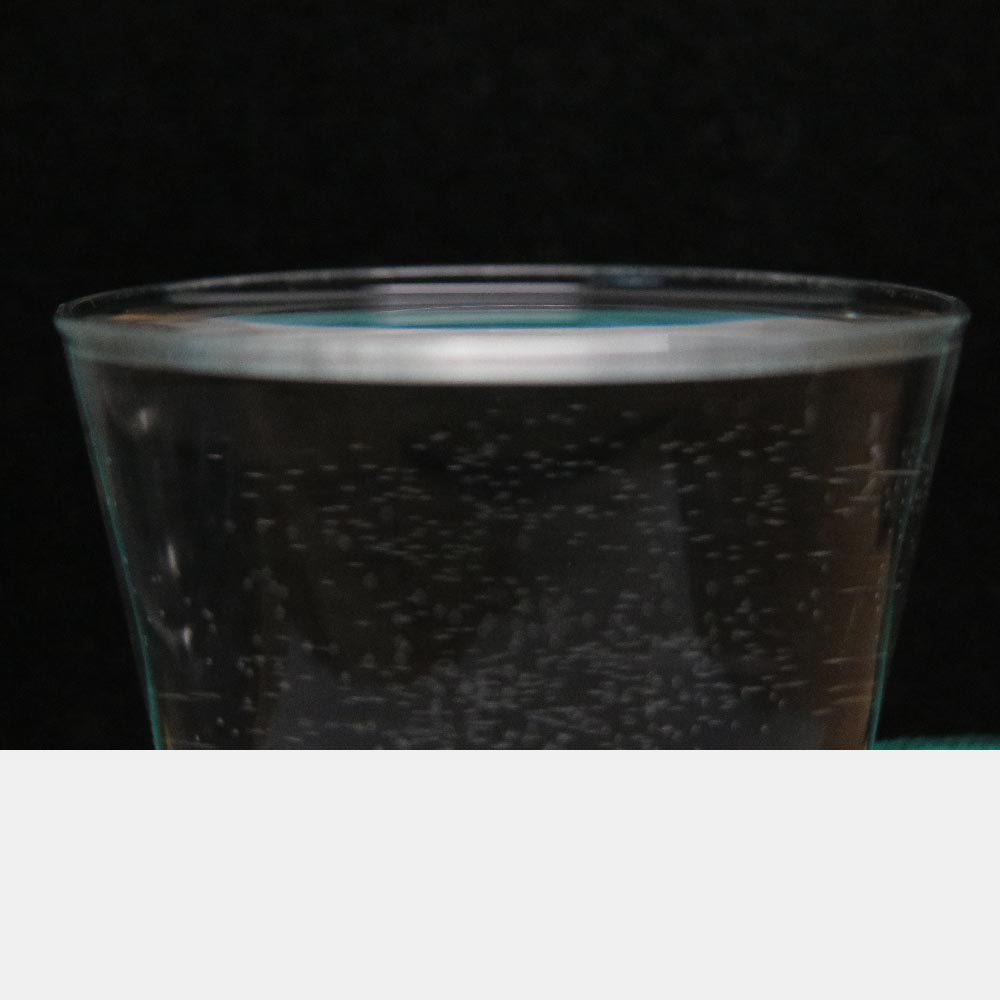
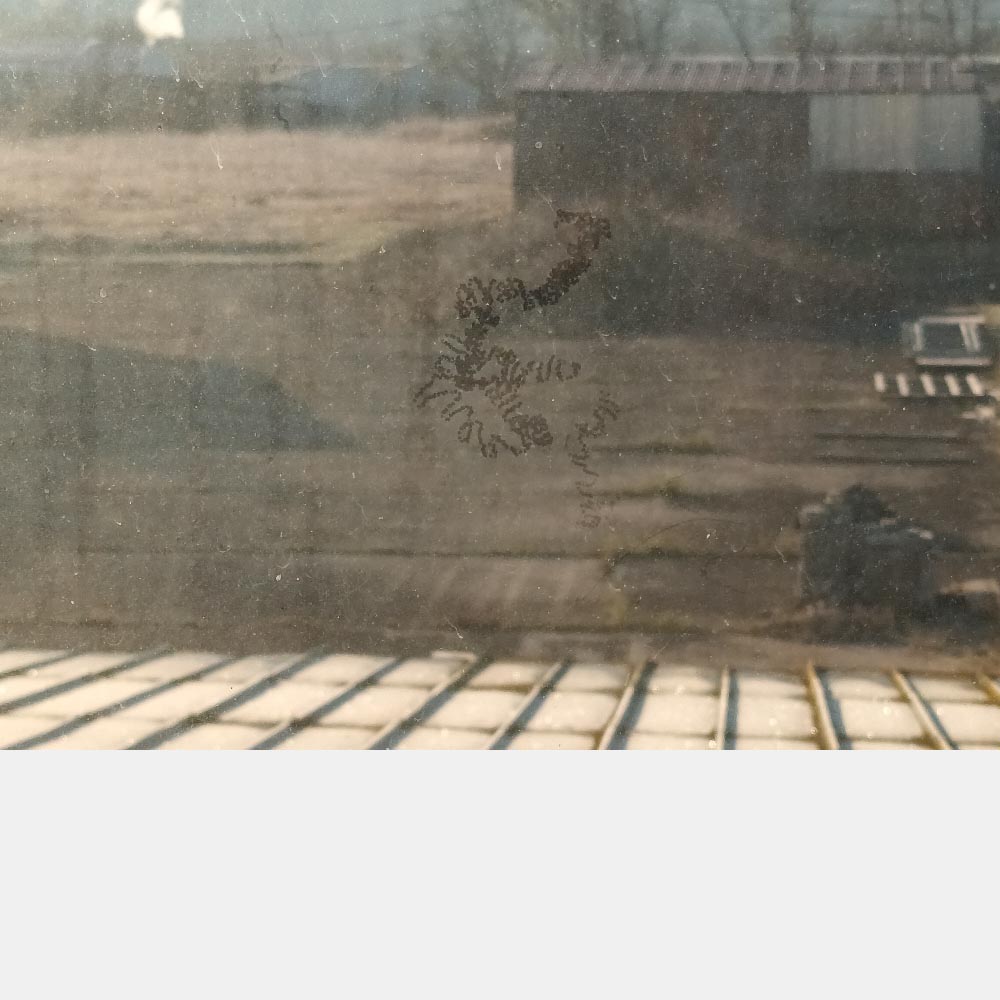
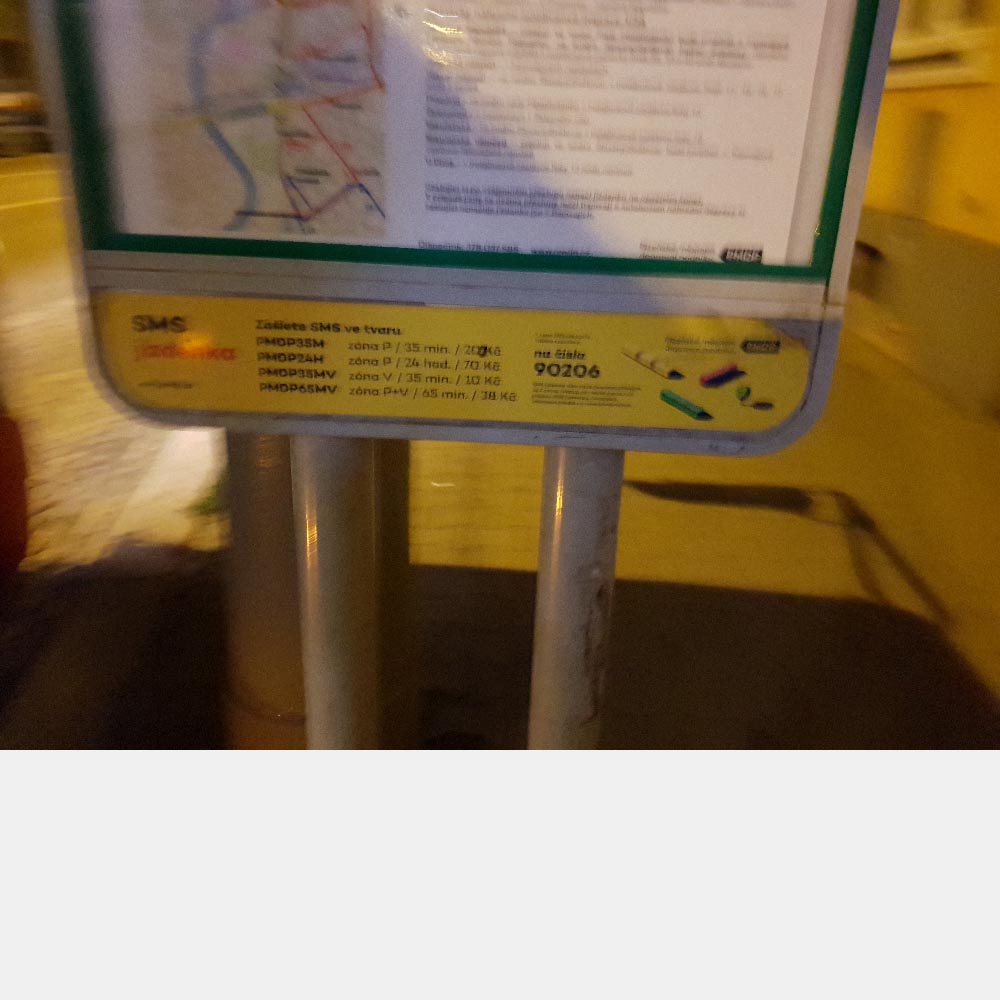
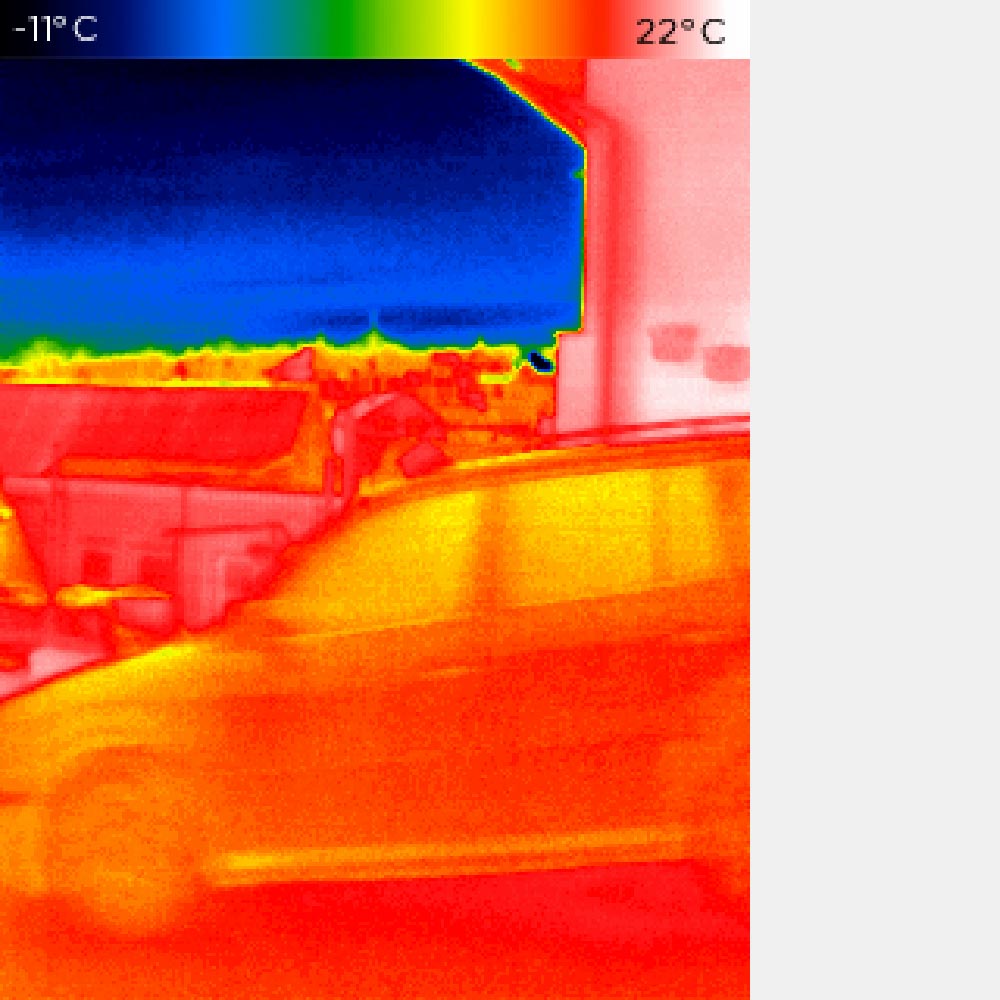
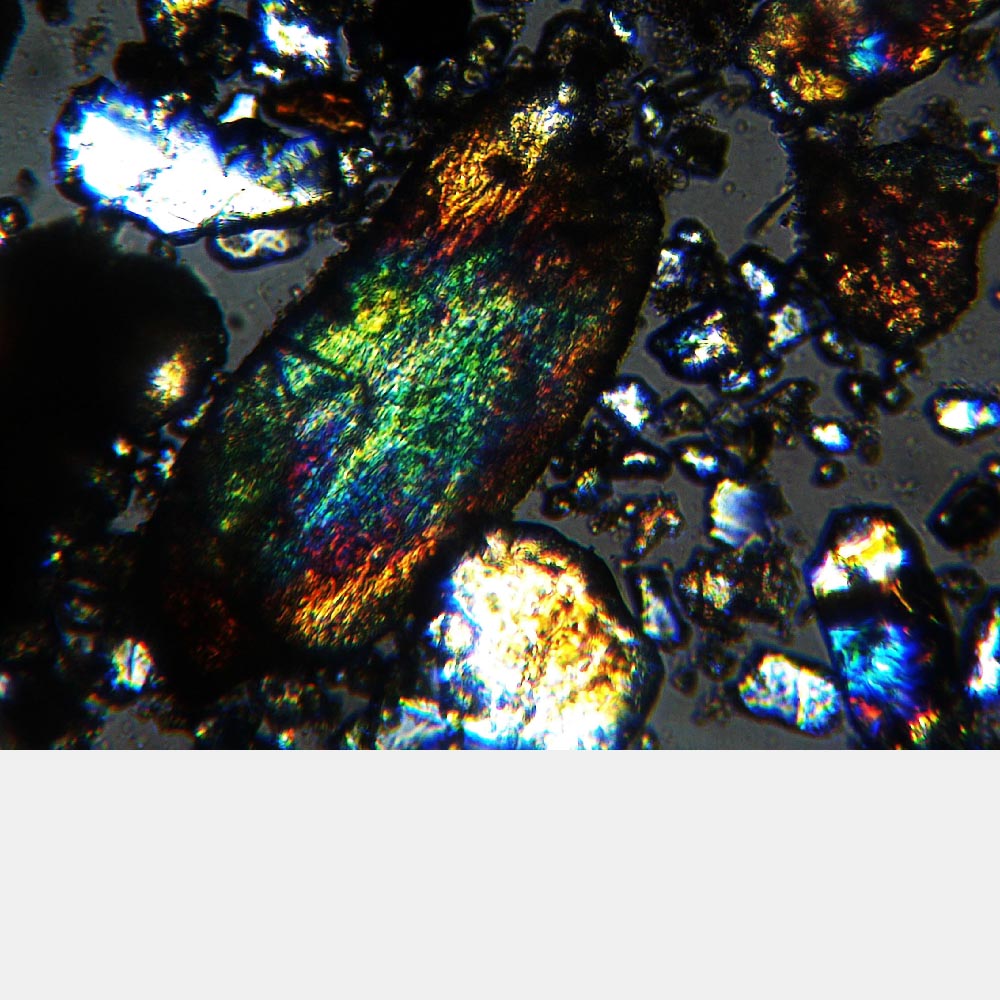
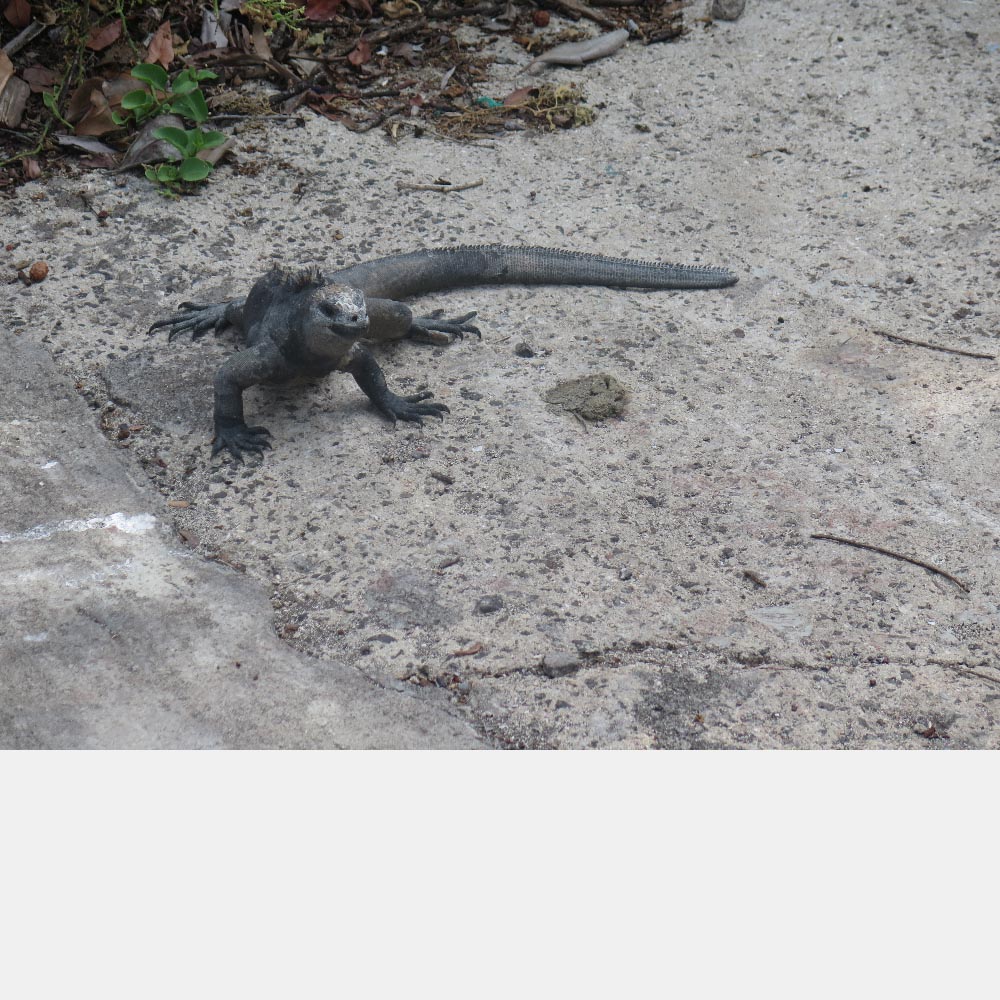
From the randomly selected images, I created several series that built upon one another. Each series begins with a random image selection and continues selecting additional images at random until it encounters one I do not wish to publish. This final image is presented out of focus within the series. I was curious to see which photos would cause a series to end and why. To my surprise, in most cases it was concern for other people’s privacy that ended the series. In other cases, it was photos of work documents, other people’s homes, and my own home, etc.
Through this project, I discovered just how blurred the boundaries of my privacy are—if they exist at all. At a certain point, however, I had to decide whether to publish a photograph or not. This choice, however, was usually quite complex and ambiguous.
Series 1:
Series 2:




Series 3:



Series 4:




Series 5:
Series 6:

Series 7:

Series 8:


Series 9:


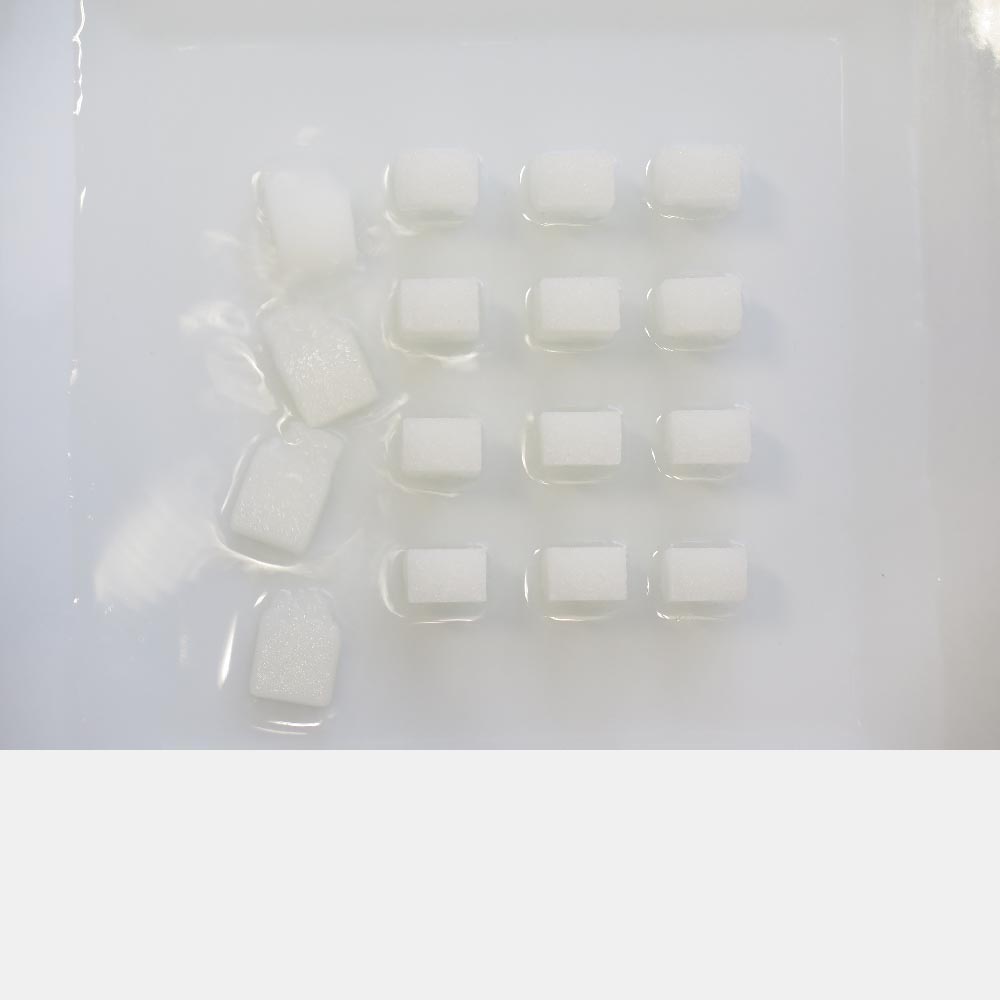

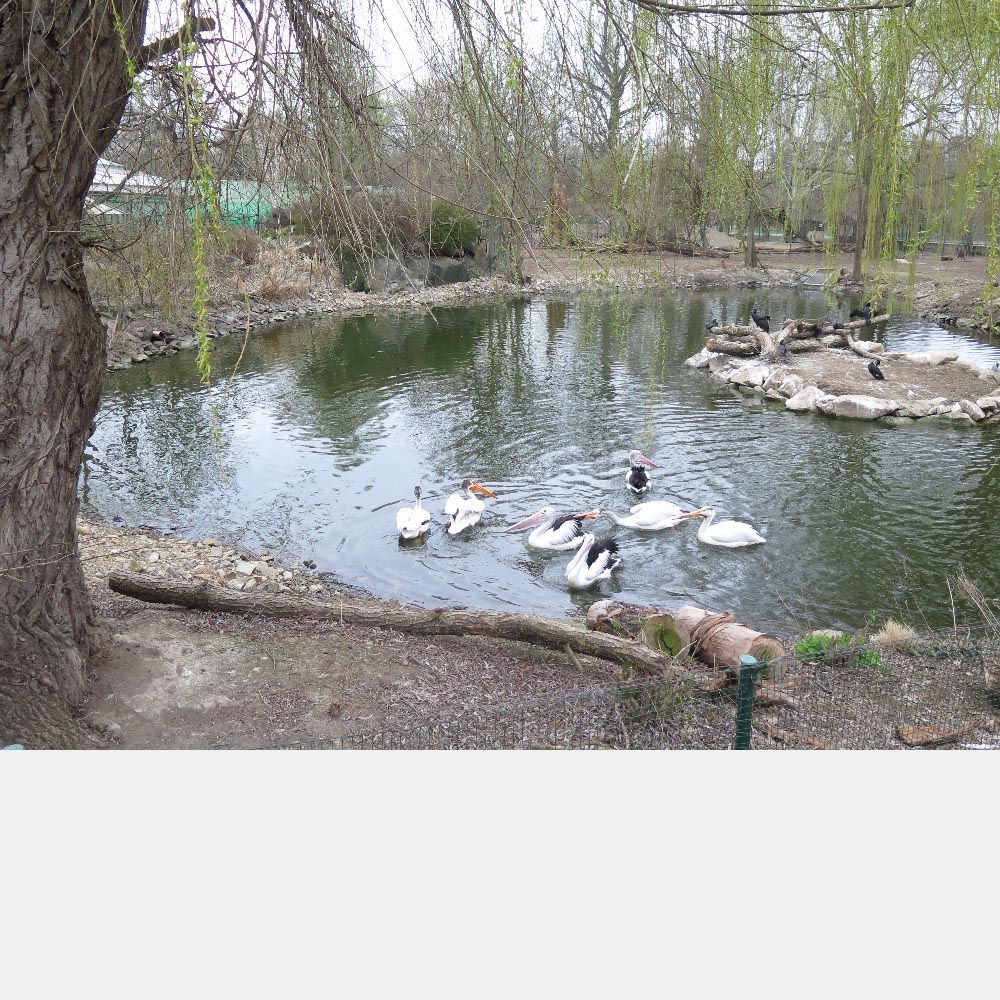

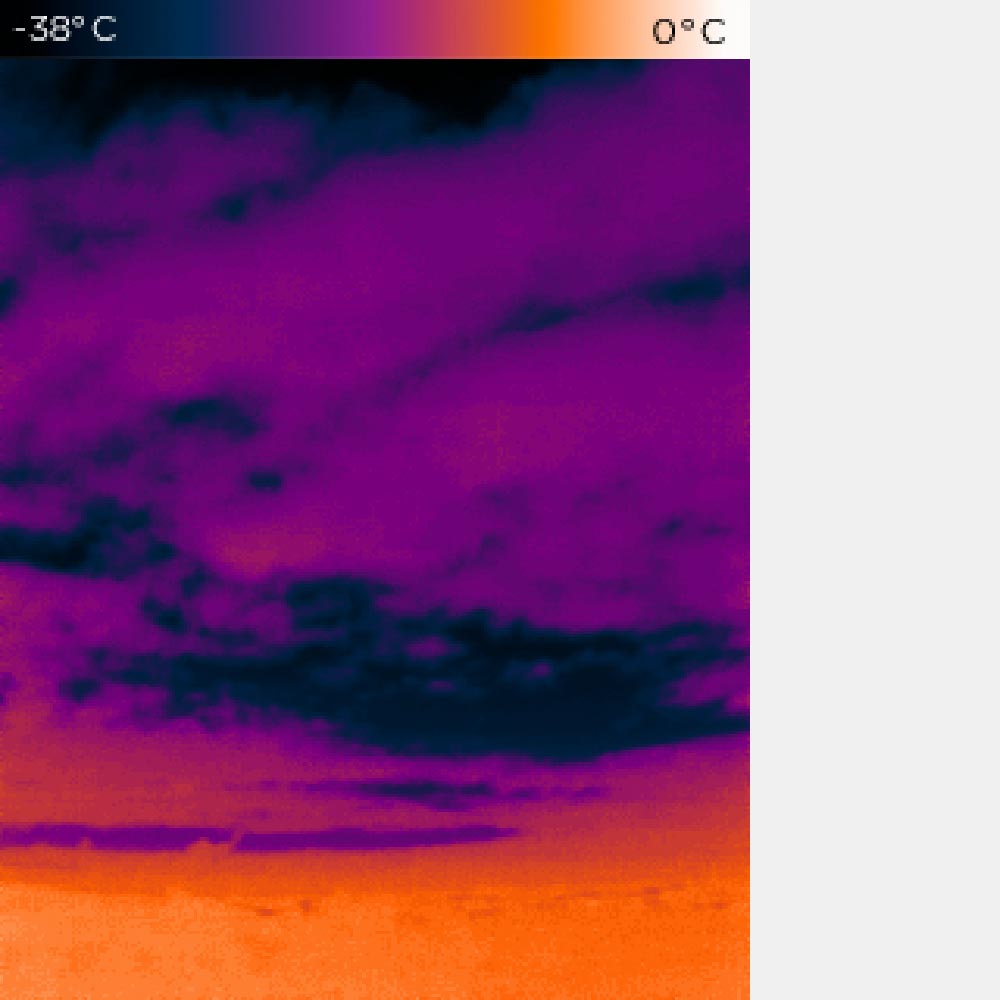


Series 10:

Source code
The Python source code for this project is available here:
import os
import random
from pathlib import Path

def open_random_image(folder_paths, excluded_paths):
    # Převod cest na absolutní cesty
    folder_paths = [Path(folder).resolve() for folder in folder_paths]
    excluded_paths = [Path(excluded).resolve() for excluded in excluded_paths]

    # Seznam podporovaných přípon souborů
    supported_extensions = ['.png', '.jpg', '.jpeg', 'tif', 'tiff']

    # Seznam pro ukládání cest k obrázkům
    images = []

    # Prochází všechny zadané adresáře
    for folder_path in folder_paths:
        # Prochází soubory v adresáři a jeho podsložkách
        for path in folder_path.rglob('*'):
            # Přidává cesty k obrázkům, pokud mají podporovanou příponu
            if path.suffix.lower() in supported_extensions:
                images.append(path)

    while True:
        if not images:
            print("V zadaných adresářích nebyly nalezeny žádné obrázky.")
            return

        # Náhodný výběr souboru
        image_path = random.choice(images)

        # Kontroluje, zda vybraná cesta neleží v některém z vyloučených adresářů
        if any(image_path.is_relative_to(excluded) for excluded in excluded_paths):
            continue  # Pokud je cesta vyloučená, vybere jiný obrázek

        print(f"Otevírám obrázek: {image_path}")
        os.startfile(image_path)
        return

# Seznam cest k adresářům
folder_paths = [
    r"D:\\02_záloha dat",
    r"G:",
    r"K:"
    #r"C:"
]

# Seznam cest k vyloučení
excluded_paths = [
    r"K:\\WEB",
]

while True:  # Nekonečná smyčka
    open_random_image(folder_paths, excluded_paths)
    input("Stiskni ENTER pro opětovné spuštění nebo Ctrl+C pro ukončení programu...")